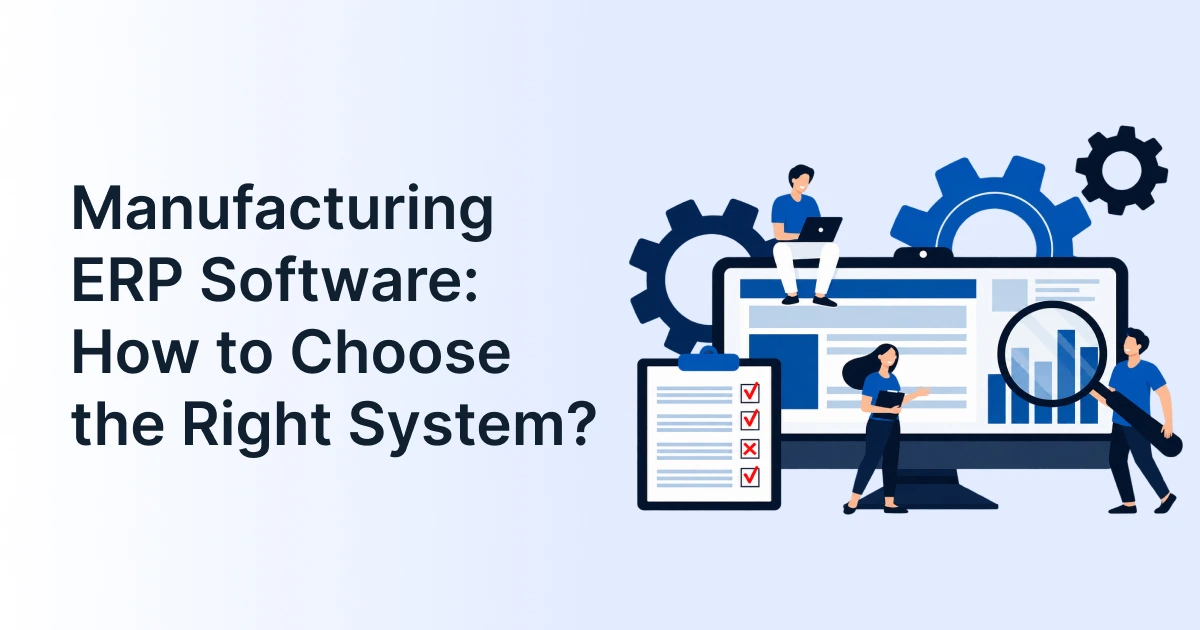
Manufacturing ERP Software: How to Choose the Right System?

Manufacturing companies rarely struggle because they lack software. The bigger problem is having too many systems that do not work well together.
Production may run on one system. Inventory may sit in another. Finance has its own records. Shop-floor teams may still depend on spreadsheets or manual updates.
This makes it harder to know what is happening across the factory.
The right manufacturing ERP software can connect these processes. It can bring production planning, inventory, procurement, quality, costing, and finance into one connected workflow.
But there is no single ERP that fits every manufacturer. The right choice depends on how your factory operates, what you produce, and which systems you already use.

What Is an ERP System in the Manufacturing Industry?
An ERP system in manufacturing connects core business and production processes through shared data.
A typical manufacturing workflow looks like this:
Demand >> Production Planning >> Materials >> Production >> Quality >> Inventory >> Dispatch >> Finance
A manufacturing-focused ERP can manage the information moving through each stage. It can track bills of materials, work orders, material requirements, production schedules, inventory, costs, and quality records.
This makes a factory ERP different from a basic accounting or inventory application.
For example, when a production order is created, the ERP should help answer:
- Are the required materials available?
- What resources are needed?
- When can production begin?
- What is the expected production cost?
- How much has been produced?
- What quantity is still pending?
This level of connection is what manufacturers should look for when comparing ERP software.
What Should the Best Manufacturing ERP Software Connect?
A strong manufacturing ERP software setup should connect the processes that directly affect production and business performance.
| Manufacturing workflow | ERP capability to evaluate |
| Demand to production | MRP and production planning |
| BOM to materials | BOM, inventory and procurement |
| Production to costing | Work orders and production costing |
| Factory to management | Production tracking and reporting |
| Quality to traceability | Quality and batch tracking |
| Factory to finance | Costing and financial integration |
| ERP to shop floor | MES integration |
Production Planning and Capacity
Production planning software should do more than create a production schedule.
It should consider demand, available materials, production capacity, machines, resources, and existing orders.
This helps planners identify material shortages or capacity issues before they affect delivery dates.
Inventory and Material Control
Manufacturers need visibility across raw materials, work-in-progress, and finished goods.
An ERP should connect inventory levels with production requirements. This can help purchasing teams understand what needs to be ordered and when.
Factory Execution and MES Integration
ERP and MES have different roles.
ERP generally handles business planning, materials, orders, costing, and financial information. MES focuses more closely on shop-floor execution and production data.
MES integration allows these systems to exchange relevant information.
For example, production progress captured on the shop floor can feed information back into the ERP. Managers can then view production status without waiting for manual updates.
Quality and Traceability
Quality information should not sit outside the production workflow.
Look for capabilities such as inspections, defect tracking, rework records, batch tracking, and serial number traceability.
This becomes especially important when manufacturers need to investigate quality issues or trace a product back through its production history.
Costing and Financial Visibility
Production costs include more than raw materials.
Labor, overheads, machine usage, wastage, and other expenses can affect the final cost.
An ERP platform should help connect these production inputs with financial records. This gives finance and operations teams a clearer view of actual manufacturing costs.
Which Manufacturing ERP Fits Your Production Model?
The best ERP software for one manufacturer may not suit another. The production model should be one of the first things you consider.
| Manufacturing model | Capabilities to prioritize |
| Make-to-stock | Forecasting, MRP and inventory planning |
| Make-to-order | Order-driven production and scheduling |
| Engineer-to-order | Engineering data, revisions and project costing |
| Discrete manufacturing | BOMs, routings and work orders |
| Process manufacturing | Formulas, batches and quality controls |
| Multi-site manufacturing | Multi-plant planning and inventory visibility |
For example, a make-to-order manufacturer may need strong order-to-production workflows. An engineer-to-order company may need better control over design revisions and project costs.
A multi-plant manufacturer, meanwhile, may need consolidated visibility across factories, warehouses, and financial operations.
This is why comparing ERP tools only by their feature count can be misleading.
What Are the Top ERP Systems for Manufacturing?
Several established ERP software platforms are commonly considered by manufacturers. The right shortlist depends on company size, manufacturing model, production complexity, and existing technology.
| ERP system | Common fit | Manufacturing considerations |
| SAP S/4HANA | Large and global manufacturers | Broad manufacturing, supply chain and finance capabilities |
| Oracle NetSuite | Growing and mid-market companies | Cloud ERP with manufacturing and financial capabilities |
| Microsoft Dynamics 365 | Companies using Microsoft technologies | Production, supply chain and Microsoft ecosystem integration |
| Infor CloudSuite Industrial | Industrial and mixed-mode manufacturers | Manufacturing-focused functionality |
| Epicor Kinetic | Mid-market discrete manufacturers | Production planning, job management and shop-floor visibility |
These platforms appear frequently in current manufacturing ERP comparisons, but their suitability varies by production model and implementation requirements.
The comparison should therefore go beyond the software name. Ask whether the ERP solutions you are considering can support your actual production workflows.
How Do You Choose the Right Manufacturing ERP Software?
Start with your factory rather than starting with the vendor. Ask these questions before shortlisting an ERP system:
- What type of manufacturing do we run?
- How complex are our BOMs and routings?
- How do we currently plan production and materials?
- Which shop-floor systems need MES integration?
- How does production data reach finance today?
- Which existing systems must the ERP connect with?
Then follow a simple evaluation process:
Map workflows >> Define requirements >> Check integrations >> Test real production scenarios >> Estimate implementation effort >> Compare total ownership cost
Testing real scenarios is particularly important.
Instead of asking a vendor to show a generic product demo, give them a typical production order. Ask them to demonstrate how the order moves from planning to procurement, production, quality, inventory, and costing.
That gives your team a much clearer picture of how the ERP platform will work in practice.

ERP vs Manufacturing Management Software vs MES
These terms are often used together, but they are not interchangeable.
| System | Primary role |
| ERP | Connects business and operational processes |
| Manufacturing management software | Manages manufacturing-specific workflows |
| Production planning software | Plans materials, capacity and production |
| MES | Manages detailed shop-floor execution |
Manufacturing management software can cover functions such as production monitoring, work orders, scheduling, quality, and shop-floor workflows.
An MES goes deeper into production execution and machine- or operator-level data.
An ERP system generally connects these operational processes with procurement, inventory, finance, sales, and other business functions.
For many manufacturers, the goal is not to replace every system. It is to create a connected technology environment where each system has a clear role.
Conclusion
Choosing the right manufacturing ERP software starts with understanding your factory’s needs. Your production model, inventory processes, planning requirements, and existing systems should guide the decision.
GrexPro takes a connected approach to business operations. Its modular cloud solutions bring together ERP, warehouse management, CPQ, and B2B catalog capabilities. This helps businesses connect important operational workflows while supporting their evolving requirements.
If you’re evaluating ERP solutions, consider how GrexPro’s connected cloud framework could fit into your operations.
FAQs
Q: What is the ERP system in the manufacturing industry?
A: An ERP system in manufacturing connects production, inventory, procurement, quality, costing, finance, and other business processes. It provides a shared view of operational and financial information across the organization.
Q: What is the best software for manufacturing businesses?
A: The right software depends on the company’s production model, size, processes, integrations, and operational needs. Manufacturers should compare ERP systems against their actual workflows rather than selecting one based only on popularity.
Q: What are the top 5 ERP systems?
A: SAP S/4HANA, Oracle NetSuite, Microsoft Dynamics 365, Infor CloudSuite Industrial, and Epicor Kinetic are among the ERP platforms commonly evaluated for manufacturing. Their suitability varies by manufacturing model and business requirements.
Q: Is ERP the same as MES?
A: No. ERP connects broader business and operational processes, while MES focuses more closely on shop-floor execution and production data. MES integration can connect the two environments.
Author
Managing Director of Grexpro
Surendra Yarrum is a Business Strategist at GrexPro with expertise in ERP, CRM, and warehouse management systems, helping businesses enhance efficiency and optimize supply chain operations.