Step-by-Step ERP Implementation Process: 7 Key Steps

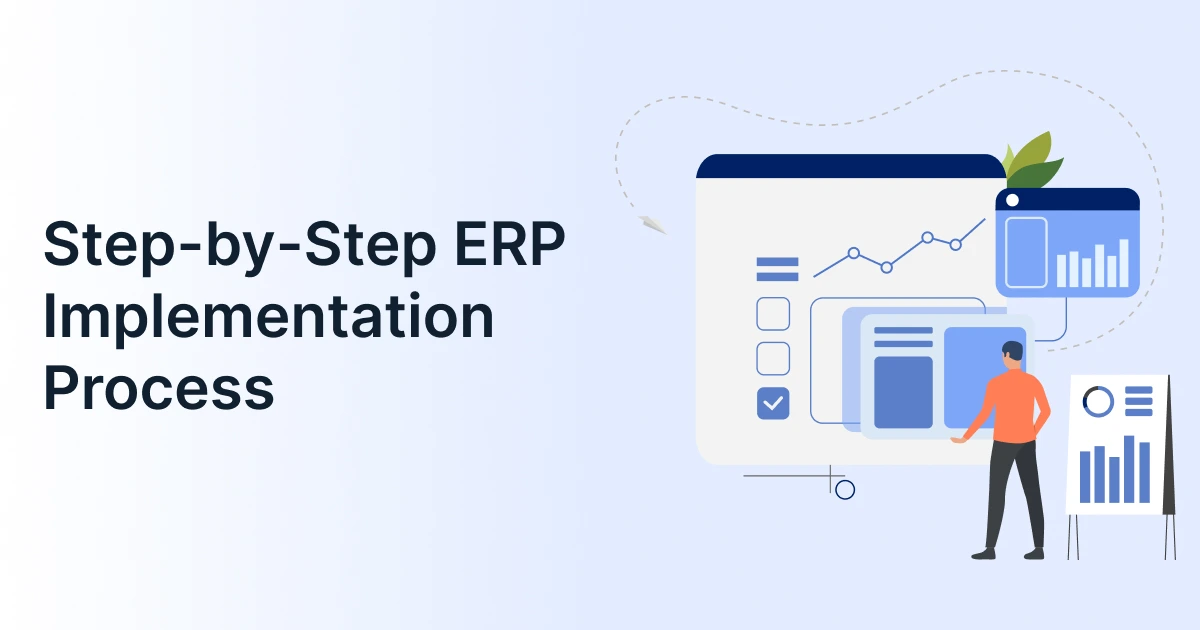
An ERP implementation involves much more than configuring new software. It requires teams to define business requirements, redesign workflows, prepare data, test integrations, train users, and manage the transition into production.
A clear ERP implementation plan helps connect these activities and gives project teams a defined path from software selection to go-live. Without one, unclear requirements, poor data quality, excessive customization, and weak user adoption can delay the project or reduce its business value.
The need for a structured approach is clear. Gartner predicts that by 2027, more than 70% of recently implemented ERP initiatives will fail to fully meet their original business-case goals. Gartner also identifies alignment between ERP initiatives and business strategy as a major predictor of success.
This guide explains a practical seven-step ERP implementation process, including what happens at each stage, the key deliverable, and the common mistake to avoid.

What Does the ERP Implementation Process Involve?
ERP implementation is the structured process of preparing, configuring, testing, deploying, and optimizing an ERP system. It covers business requirements, process design, system configuration, data migration, integrations, testing, training, deployment, and post-go-live support.
The seven-step approach used in this guide is:
- Define requirements, scope, and success metrics
- Build the implementation team and project plan
- Design future-state processes and configure the ERP platform
- Clean, migrate, and reconcile business data
- Integrate and test end-to-end workflows
- Train users and prepare for deployment
- Execute cutover, go live, and stabilize
The exact number of phases varies by ERP methodology, but these activities form the core of most implementation projects.
How to Implement an ERP System Step by Step?
A successful ERP implementation moves from business planning to technical preparation and finally to controlled deployment. Each stage should produce a clear output before the project moves forward.
ERP Implementation Readiness Checklist
Let us look at the key factors that businesses should assess to determine whether they are ready for ERP implementation.
- Business case approved
- Executive sponsor appointed
- Core processes documented
- ERP scope defined
- Data ownership established
- Key integrations identified
- Internal resources allocated
- Change-management plan considered
- Budget approved
- Success metrics defined
- Decision-making authority established
Let us start with the steps now.
Step 1: Define Business Requirements, Scope, and Success Metrics
Start by identifying the business problems the ERP system needs to solve. Document current processes, manual work, reporting gaps, duplicate data entry, integration requirements, and operational priorities.
Define which departments, locations, modules, users, processes, and data are included in the initial rollout. Document what is out of scope or planned for a later phase.
Set measurable success metrics before configuration begins. These could include faster financial close, better inventory accuracy, reduced manual processing, improved reporting, or higher user adoption.
- Key deliverable: Approved requirements, project scope, exclusions, and success metrics.
- Common mistake: Starting configuration before stakeholders agree on requirements and scope.
Step 2: Build the ERP Implementation Team and Project Plan
ERP project management requires clear ownership. Assign an executive sponsor to make major decisions and remove organizational barriers. Appoint an ERP project manager to manage scope, schedule, budget, dependencies, and communication.
Include process owners, subject matter experts, IT and security representatives, data owners, selected end users, and the implementation partner where applicable. Define decision authority and escalation paths from the beginning.
Your ERP implementation plan should establish milestones, responsibilities, risks, budget boundaries, communication processes, and go-live criteria.
- Key deliverable: Approved project charter and implementation plan.
- Common mistake: Giving the project manager responsibility without the authority to resolve scope, resource, or timeline issues.
Step 3: Design Future-State Processes and Configure the ERP Platform
Map existing workflows against the processes you want after implementation. Identify which activities should be standardized, automated, eliminated, or redesigned.
Then configure the ERP platform around those approved processes. Set up organizational structures, financial rules, user roles, permissions, approval workflows, reports, dashboards, and other required settings.
Your ERP implementation strategy should favor standard ERP capabilities where they meet business needs. Customize only when the requirement has clear business value and cannot reasonably be handled through standard configuration.
- Key deliverable: Configured test environment aligned with approved business processes.
- Common mistake: Rebuilding every legacy customization instead of improving the underlying process.
Step 4: Clean, Migrate, and Reconcile Business Data
Identify the data that needs to be moved into the new ERP system. This may include customers, suppliers, inventory, employees, financial records, open transactions, and other master data.
Remove duplicates, outdated records, incorrect values, and inconsistent formats. Map legacy fields to the new ERP schema and define transformation rules.
Run one or more mock migrations before final cutover. After migration, reconcile record counts, inventory quantities, open transactions, and financial balances against the source system.
- Key deliverable: Migrated and reconciled data approved by business owners.
- Common mistake: Treating data migration as a technical import instead of a business data quality exercise.
Step 5: Integrate ERP Software and Test End-to-End Workflows
Connect the ERP software with systems such as CRM, ecommerce, payroll, banking, warehouse, tax, shipping, or industry-specific applications.
Define which system owns each type of data and document how information moves between systems. Test successful transactions as well as duplicate records, failed transfers, synchronization problems, permissions, and recovery scenarios.
Do not test only individual ERP features. Test complete workflows such as order-to-cash, procure-to-pay, inventory replenishment, and financial close.
Run User Acceptance Testing (UAT) with actual business users and document formal approval before deployment.
- Key deliverable: Tested integrations, resolved critical defects, and UAT approval.
- Common mistake: Testing ideal workflows while ignoring exceptions, reversals, failed integrations, and period-end processes.
Step 6: Train Users and Prepare for ERP Deployment
Training should be based on employee roles and real business scenarios. Give users hands-on practice in a test or sandbox environment and provide process guides, documentation, and support contacts.
Training and change management are related but different. Training teaches employees how to use the ERP system. Change management prepares them to adopt new processes, responsibilities, and ways of working.
Identify internal champions who can support colleagues during the transition. Before deployment, confirm that users, data, integrations, security permissions, support resources, and business processes are ready.
- Key deliverable: Trained users, support resources, and approved readiness plan.
- Common mistake: Treating attendance at a training session as proof that users are ready to go-live.
Step 7: Execute Cutover, Go Live, and Stabilize
ERP deployment is the point at which the configured and tested system moves into production for live business operations.
Before cutover, complete the final data migration and confirm:
- Critical UAT issues are resolved
- Data has been reconciled
- Required users and permissions are validated
- Critical integrations are working
- Users have completed required training
- Support and escalation channels are ready
- Cutover responsibilities are assigned
- Go/no-go criteria have been approved
- Contingency procedures are documented
After go-live, monitor critical processes, resolve high-impact issues, gather user feedback, and provide additional training where needed.
- Key deliverable: Stable production ERP system and transition to ongoing support.
- Common mistake: Treating the go-live date as the end of the ERP implementation.

What Should an ERP Implementation Plan Include?
A practical ERP implementation plan should define the following:
| Plan Element | What It Should Define |
| Scope | Processes, departments, modules, locations, and exclusions |
| Governance | Sponsors, project manager, decision owners, and escalation paths |
| Timeline | Milestones, dependencies, testing, and go-live |
| Data strategy | Cleansing, mapping, migration, and reconciliation |
| Integrations | Connected systems, data ownership, and error handling |
| Testing | UAT, integrations, security, data, and exception scenarios |
| Training | Role-based training, documentation, and support |
| Cutover | Final migration, responsibilities, readiness, and contingency |
| Success metrics | Adoption, efficiency, accuracy, financial, and operational KPIs |
What Are the Common ERP Implementation Risks?
Most ERP implementation risks can be reduced through earlier planning and clear ownership.
| Risk | How to Reduce It |
| Scope creep | Define inclusions, exclusions, and change approval |
| Poor data quality | Start cleansing and validation early |
| Excessive customization | Prioritize standard ERP functionality |
| Weak executive support | Assign an active sponsor with decision authority |
| Limited user involvement | Include users in design, testing, and training |
| Inadequate testing | Test complete workflows and exceptions |
| Unrealistic timelines | Base schedules on scope, data, integrations, and resources |
| Weak change management | Communicate early and train by role |
| Poor post-launch support | Allocate stabilization resources before go-live |
What Are the Key ERP Implementation Strategies?
The right ERP implementation strategy depends on business complexity, risk tolerance, resources, and the number of locations or modules involved.
- Big bang: All major modules or locations go live together. It can shorten the overall transition but concentrates go-live risk.
- Phased deployment: Modules, business units, or locations go live in stages. This reduces the scope of each rollout but can extend the project.
- Parallel operation: The legacy and new ERP systems run together temporarily. This provides a fallback but creates additional reconciliation and operating effort.
Conclusion
A successful ERP implementation is not simply a successful software launch. It should improve business processes, provide reliable data, support user adoption, and deliver measurable business value.
A structured ERP implementation plan, clean data, controlled customization, thorough testing, role-based training, and clear go-live criteria give teams a stronger foundation for success. With the right ERP implementation strategy, organizations can move from software deployment to sustainable improvements in how the business operates.
GrexPro supports ERP implementation by bringing core business functions such as finance, accounting, inventory, supply chain, sales, CRM, HR, and manufacturing into one integrated ERP platform.
Its capabilities for third-party integrations, real-time data synchronization, role-based access, customizable workflows, reporting, and cloud access can help businesses connect to existing systems and establish more consistent processes during deployment. GrexPro also provides implementation guidance and ongoing support to help teams move from system setup and data migration to training, go-live, and post-implementation use.
FAQs
Q: How to implement an ERP system step by step?
A: Define business requirements and scope, build the project team and implementation plan, design future processes, configure the ERP system, migrate and reconcile data, test integrations and workflows, train users, deploy the system, and stabilize operations after go-live.
Q: What are the 7 steps for successful ERP implementation?
A: The seven steps are: define requirements and goals; build the implementation team and plan; design processes and configure the ERP; clean and migrate data; integrate and test workflows; train users and prepare for deployment; and execute cutover, go live, and stabilization.
Q: What are the five ERP modules?
A: Five commonly recognized ERP modules are finance and accounting, human resources, supply chain and inventory management, manufacturing, and customer relationship management (CRM). Modern ERP solutions may include additional modules for procurement, projects, ecommerce, analytics, and other functions.
Q: How long does an ERP implementation take?
A: ERP implementation timelines vary based on company size, scope, data quality, integrations, customization, testing, training, and resource availability. A focused rollout can move faster than a multi-entity or multi-location implementation with complex integrations and extensive data migration.
Q: How much does ERP implementation cost?
A: Costs depend on the ERP software, implementation services, data migration, integrations, customization, training, internal resources, and post-launch support. Defining scope early helps create a more reliable implementation budget.
Q: What causes ERP implementations to fail?
A: Common causes include unclear scope, weak executive sponsorship, poor data quality, excessive customization, unrealistic timelines, inadequate testing, and limited user involvement. Strong governance and measurable business goals can reduce these risks.
Q: How do you measure ERP implementation success?
A: Compare post-launch performance against the baseline established before implementation. Useful measures include user adoption, data accuracy, inventory accuracy, processing time, financial close time, manual work, error rates, project budget, and operational KPIs.
Author
Managing Director of Grexpro
Surendra Yarrum is a Business Strategist at GrexPro with expertise in ERP, CRM, and warehouse management systems, helping businesses enhance efficiency and optimize supply chain operations.