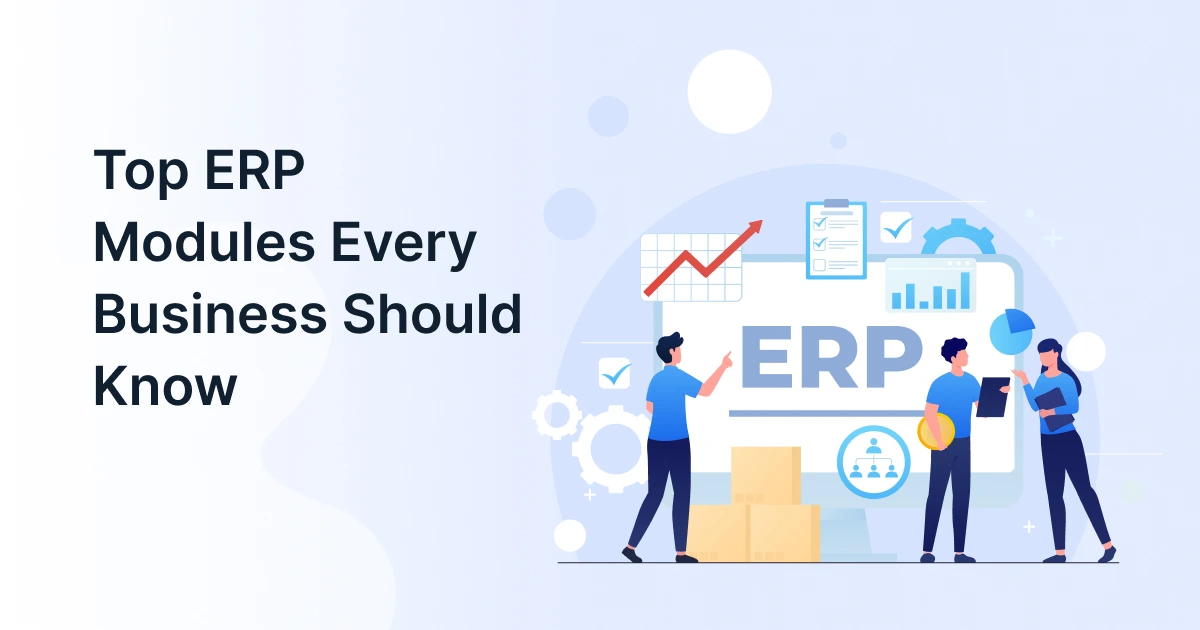
Top ERP Modules Every Business Should Know

Finance needs accurate numbers. Procurement needs current suppliers and purchasing data. Operations need visibility into inventory, while manufacturing needs to know whether materials and capacity are available. When these functions operate on disconnected systems, even routine decisions can require manual reconciliation.
An integrated ERP system brings these processes together through connected ERP modules. Instead of maintaining separate databases for each department, businesses can use an ERP platform to centralize operational data and coordinate workflows.
However, businesses do not necessarily need every module available in an ERP solution. The right combination depends on industry, business processes, operational complexity, and growth plans.
This guide explains the core ERP modules, additional capabilities businesses can adopt as they grow, and how to choose the right configuration.

What Are ERP Modules and How Do They Work Together?
ERP modules are specialized components of an ERP system that manage individual business functions while sharing data through a centralized ERP platform. Each module serves a specific operational purpose, but connected modules can exchange information across departments.
This is what separates integrated ERP business software from standalone applications. Rather than maintaining separate records across different ERP tools, teams can work with shared business information.
For example, consider how a customer order can move through a connected ERP environment:
- A sales representative enters the order into the ERP system.
- The inventory module checks available stock.
- If inventory is insufficient, the procurement module can support replenishment.
- If the product needs to be manufactured, the manufacturing ERP can use the order to plan production.
- Once the order is fulfilled, the transaction can feed into the finance module for invoicing and revenue tracking.
This interconnected flow is one of the main advantages of ERP modules. It reduces duplicate data entry and gives teams greater visibility into activities that affect their work.
A flexible ERP platform also allows organizations to implement ERP solutions in stages. A company might begin with finance and inventory and later add procurement, manufacturing, CRM, or other capabilities as requirements evolve.
Which ERP Modules Are Essential for Core Business Operations?
The right combination of ERP modules depends on the organization, but several capabilities form the foundation of many ERP solutions. Finance, inventory, procurement, and manufacturing are particularly important for organizations managing products, suppliers, production, or complex operational workflows.
Finance Module
A finance module provides a centralized view of an organization’s financial transactions and reporting. It can manage:
- General ledger
- Accounts payable and receivable
- Cash flow
- Financial reporting
- Budgeting and forecasting
- Tax and compliance information
The finance module connects financial information with operational transactions. For example, purchasing activity from a procurement module can flow into financial records, while sales and inventory transactions can contribute to revenue and cost reporting.
For businesses looking for ERP business software, integrating finance with other ERP modules reduces the need to reconcile information manually across separate systems.
Because financial transactions are generated by activities across sales, procurement, inventory, projects, and manufacturing, the finance module often acts as the financial backbone of an integrated ERP system.
Inventory Module
An inventory module helps businesses monitor products, materials, and stock movements across locations. Common capabilities include:
- Real-time stock visibility
- Inventory transfers
- Multi-location management
- Reorder points
- Inventory valuation
- Stock movement tracking
The inventory module becomes particularly valuable when purchasing, sales, and production all affect stock levels. For example, the procurement module can provide information about incoming materials, while the manufacturing ERP can account for materials consumed during production.
By connecting inventory data with the ERP platform, businesses can make better decisions about replenishment, availability, and stock allocation.
Procurement Module
A procurement module manages purchasing activities and supplier relationships. It typically supports:
- Purchase requisitions
- Purchase orders
- Supplier records
- Approval workflows
- Vendor pricing
- Procurement spends
A connected procurement module can work with the inventory module to identify replenishment requirements and with the finance module to support invoice and payment processes.
For manufacturers, procurement also plays an important role in manufacturing ERP because production depends on having the right materials available when required.
Manufacturing ERP
For manufacturers, manufacturing ERP brings production planning and operational information into the broader ERP environment. Typical capabilities include:
- Production planning and scheduling
- Bill of materials (BOM)
- Work orders
- Material requirements planning
- Shop-floor operations
- Production costing
The value of manufacturing ERP comes from connecting production requirements with other ERP modules. A change in production demand can affect the inventory module, create requirements for the procurement module, and ultimately influence costs captured through the finance module.
This makes manufacturing ERP more than a production planning tool. It becomes part of a connected operational workflow.
Sales and Order Management
Sales and order management can handle quotations, customer orders, pricing, and fulfillment. When connected with the inventory module, sales teams can work with current stock information. When connected to the finance module, completed transactions can support invoicing and revenue reporting.
Together, these capabilities allow ERP solutions to connect customer-facing activities with back-office operations.

What Other ERP Modules Can Businesses Add as They Grow?
The core ERP modules above are not the only capabilities businesses may need. As operations become more complex, organizations can expand their ERP system with specialized modules.
| Business Need | ERP Module | Typical Capabilities |
| Workforce management | HR & Payroll | Employee records, payroll, attendance |
| Customer operations | CRM | Leads, opportunities, customer interactions |
| Supply chain | Supply Chain Management | Demand planning, logistics, distribution |
| Project operations | Project Management | Resources, time, expenses, profitability |
| Asset-intensive operations | Asset Management | Maintenance, utilization, asset lifecycle |
| Business intelligence | Analytics | Dashboards, KPIs, reporting |
For example, a professional services company may prioritize a finance module, project management, and CRM, while a distributor may place greater emphasis on an inventory module and procurement module.
A growing manufacturer may require manufacturing ERP alongside inventory, procurement, and finance capabilities.
The key point is that businesses should not adopt every available module simply because an ERP platform offers it. The purpose of ERP business software is to address real business requirements, not increase the number of features in the technology stack.
How Should You Choose the Right ERP Modules for Your Business?
Choosing ERP modules should begin with business processes rather than software features. The right ERP solutions should solve meaningful operational problems while providing room for future growth.
Identify your core business processes
Start by mapping the processes that directly affect revenue, customers, operations, or compliance. A manufacturer may discover that manufacturing ERP, inventory, procurement, and finance are closely interconnected.
Find your biggest operational gaps
Look for issues such as:
- Duplicate data entry
- Spreadsheet dependency
- Disconnected applications
- Delayed reporting
- Poor inventory visibility
- Manual purchasing approvals
- Limited financial visibility
These gaps can help determine which ERP modules should be prioritized.
Consider your industry requirements
Different industries need different configurations. Manufacturing organizations may require manufacturing ERP and strong inventory and procurement capabilities. Distribution businesses may prioritize the inventory module and procurement module, while service businesses may focus more heavily on the finance module, CRM, and project management.
Evaluate integration and data flow
Do not evaluate individual ERP tools in isolation. Determine how each module exchanges information with other modules and external applications.
A good ERP platform should support reliable data flow between areas such as the finance module, inventory module, and procurement module. It should also integrate with relevant external systems when required.
Consider scalability
Your ERP system should accommodate more users, locations, products, transactions, and business processes as the organization grows. Check whether additional ERP modules can be introduced without creating unnecessary complexity.
Plan implementation realistically
Businesses do not always need to implement everything at once. A phased rollout can begin with high-priority ERP modules and expand as users become familiar with the system.
For example, an organization could implement a finance module and inventory module first, then introduce a procurement module or manufacturing ERP capabilities.
The best ERP business software configuration is not the one with the most modules. It is the one that connects the processes your business depends on most.
Conclusion
Choosing the right ERP modules is only the first step. The greater value comes from connecting the processes and data behind them.
GrexPro provides scalable ERP solutions alongside B2B, WMS, and CPQ capabilities, helping businesses bring critical operations into a more connected technology environment.
Whether you need a finance module, inventory module, procurement module, or manufacturing ERP capabilities, the right ERP system can help create a stronger foundation for operational visibility and growth.
FAQs
Q: What are ERP modules?
A: ERP modules are specialized components of an ERP system that manage specific business functions such as finance, inventory, procurement, manufacturing, HR, or CRM. Connected modules share data through the broader ERP platform.
Q: What are the most common ERP modules?
A: Common ERP modules include the finance module, inventory module, procurement module, sales and order management, HR, CRM, supply chain, and manufacturing capabilities. The appropriate combination depends on the organization’s industry and operational needs.
Q: What is a finance module in ERP?
A: A finance module manages financial processes such as general ledger accounting, accounts payable, accounts receivable, budgeting, cash flow, and financial reporting. When connected with other ERP modules, it provides a broader view of business performance.
Q: Does every business need the same ERP modules?
A: No. ERP solutions should be configured around business requirements. A manufacturer may need manufacturing ERP, inventory, procurement, and finance, while a service organization may have greater requirements for finance, projects, CRM, and workforce management.
Q: Can businesses add ERP modules later?
A: Yes. Many modern ERP platforms support modular implementation. Businesses can begin with essential capabilities and add additional ERP modules as their processes, users, locations, or transaction volumes expand.
Author
Managing Director of Grexpro
Surendra Yarrum is a Business Strategist at GrexPro with expertise in ERP, CRM, and warehouse management systems, helping businesses enhance efficiency and optimize supply chain operations.