 1st October 2025
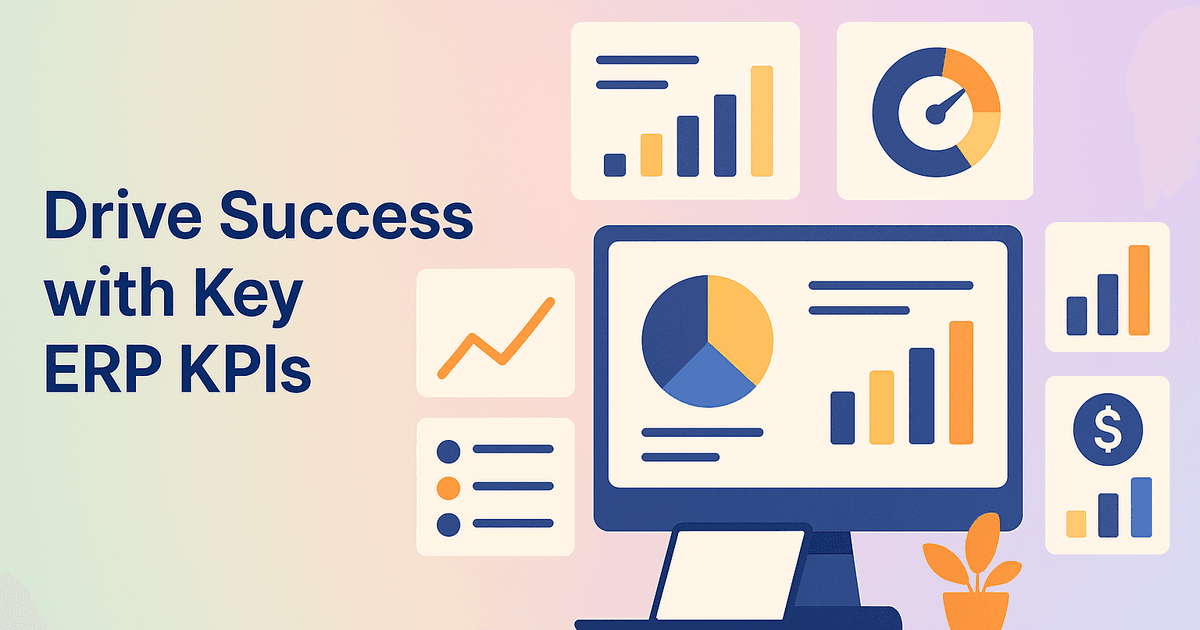
7 Must-Have ERP Metrics for Growing Companies
Costly friction at every turn, unexpected customisation costs spiralling out of control, and go-live anxiety that keeps you awake at 2 a.m., we know the feeling all too well. Yet when the right enterprise resource planning strategy is paired with the right ERP metrics, a calmer, more profitable future is possible. In fact, 78% of SMBs report higher decision-making confidence once real-time ERP reporting and analytics are consistently tracked (Internal Data, 2023).
In this blog, you’ll discover the top 7 ERP KPIs every business should monitor, why they cut through the noise of module bloat, and how they strengthen performance management software adoption without another implementation nightmare.
Why KPIs Matter More Than Fancy Dashboards
Endless graphs look impressive, but they seldom rescue a project drowning in integration headaches. Key performance indicators (KPIs) translate your ERP analytics into plain business language, giving every stakeholder a single source of truth.
By focusing on a tight set of ERP success metrics, you:
- Detect small issues before they become margin-eating disasters
- Replace gut-feel decisions with data-driven ERP decision-making that your board can trust
- Fine-tune change management challenges by showing users quick wins
- Sidestep vendor lock-in by using portable, well-defined enterprise performance measurement metrics
Streamline Operations & Drive Smarter Growth
Looking to optimize workflows, reduce inefficiencies, and scale faster? Discover how GrexPro’s intelligent solutions can transform the way your business works.
The Top 7 ERP KPIs Every Business Should Monitor
Below is the battle-tested short list we walk through with every GrexPro client. Monitor these, and you’ll avoid 80% of the surprises that wreck ERP implementation rollouts.
1. Order-to-Cash Cycle Time
A shorter O2C cycle means healthier cash flow and happier customers. Track the days from the confirmed order to the collected payment. If the needle stalls, drill into bottlenecks, often approval loops or disconnected billing modules.
2. Inventory Turnover
Dead stock ties up capital and warehouse space. Measure how many times inventory is sold and replaced during a given period. ERP analytics can flag slow-moving SKUs before they strangle working capital.
3. Forecast Accuracy
Poor forecasts trigger either stock-outs or excess carrying costs. Compare planned versus actual demand weekly. Aim for less than ±10% variance. Tight feedback loops here counter the manual spreadsheet headaches of legacy systems.
4. On-Time Delivery Rate
Customers remember late shipments more than product quality. Calculate the percentage of orders delivered on or before the promised date. ERP integration with carriers inside your enterprise performance measurement system removes manual updates and excuses.
5. First-Pass Yield (FPY)
Quality rework is profit leaking out the back door. FPY measures units produced correctly the first time, without rework. A dip often signals training gaps or outdated SOPs. Strong ERP reporting and analytics reveal where deviations originate.
6. Days Sales Outstanding (DSO)
Long DSO equates to slow cash and higher financing costs. Your ERP should auto-age receivables and surface accounts dragging beyond terms. Pair the metric with automated reminders to eliminate missed follow-ups.
7. User Adoption Rate
If people avoid the interface, the data never tells the truth. Track logins, completed tasks, and module activity. Drop-offs after go-live usually imply poor onboarding, not user resistance. ERP software adoption metrics help fix this fast.
Pro Tip
Resist the urge to add more KPIs “just in case.” Each extra metric adds overhead and distracts busy teams. Focus only on the ERP KPIs that directly impact business outcomes.
Turning ERP Metrics into Actionable Insights
Collecting numbers alone won’t banish overruns. You need a closed feedback loop:
- Capture – Automate data pulls from purchasing, production, and finance. Manual exports erode trust.
- Visualise – Display KPIs on role-based dashboards; buyers see inventory turnover, finance sees DSO.
- Review – Hold weekly huddles. Pick one KPI that slipped. Drill into root causes.
- Act – Implement one small fix. Document the outcome to build institutional memory.
A regional manufacturer slashed average O2C from 42 to 28 days (Internal Data, 2023) without extra modules just by acting on ERP performance tracking data already in the system.
Common ERP Reporting Mistakes to Avoid
- Too Much Data, Too Little Context – Pair every metric with a target and owner.
- Static Reports – Ditch monthly PDFs for real-time ERP dashboards and alerts.
- Ignoring Data Hygiene – Clean master data quarterly. A tidy ERP saves costly rework later.
A Practical ERP KPI Playbook for Teams
- Start small with three KPIs (O2C, Inventory Turnover, User Adoption).
- Assign ownership to prevent the “someone else will handle it” mentality.
- Automate collection with ERP APIs or built-in analytics.
- Hold 15-minute “metric stand-ups” each week.
- Expand to no more than seven KPIs over time.
Ready to transform your business operations?
Discover how our comprehensive solutions can streamline your workflows, boost productivity, and drive sustainable growth.
Where GrexPro Fits
GrexPro delivers fixed-scope ERP implementation services with transparent pricing, no hidden fees or surprise charges. Unlike vendors who disappear after go-live, our advisory team stays on to review KPI dashboards for the first six months, ensuring your ERP reporting and analytics actually drive results.
FAQ
Q: How hard is it to collect these KPIs?
A: Most data exists in your ERP system already. A two-hour configuration session usually sets up automated pulls.
Q: Can these KPIs migrate if we switch ERP vendors?
A: Yes. They’re business metrics, not proprietary formulas. You can export them for continuity.
Q: What if users resist dashboards?
A: Start with role-specific views showing only the numbers that matter to that user.
Your Next Step
You don’t need another “big bang” overhaul, just disciplined focus on the ERP KPIs that keep profits flowing and headaches at bay. If you’d like to see how GrexPro sets up these seven enterprise resource planning metrics in under 30 days, schedule a 20-minute consult. No pressure, no hard sell, just clear answers to make ERP work for you, not against you.
Experience the freedom of decisions grounded in the right ERP data, at the right time, every time.


 Surendra Yarrum