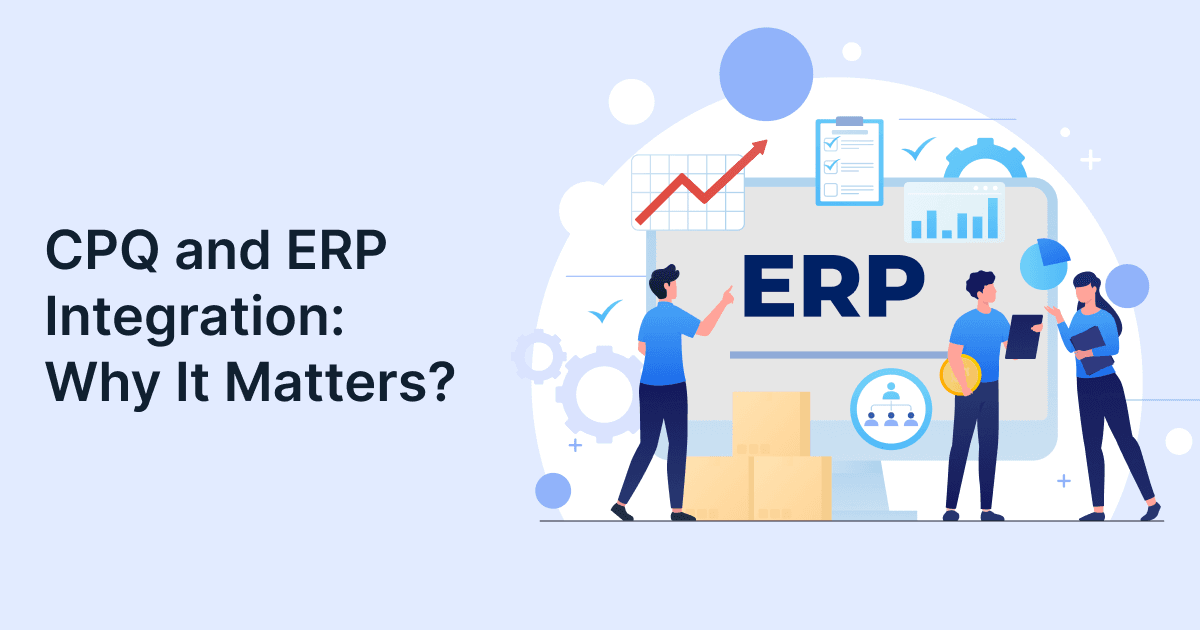
CPQ and ERP Integration: Why It Matters?

If your sales team promises one thing but operations delivers something else, you’re not alone. It happens more often than most teams admit. And when it does, the fallout isn’t just frustration. It impacts you financially as well. You face missed timelines, confused customers, stressed teams, and expensive fixes. Disconnected systems can bleed money through rework, delayed deliveries, lost revenue, and unhappy clients.
That gap is exactly why CPQ ERP integration is getting so much attention in B2B companies right now.
At its core, it ties together two worlds that usually run on separate tracks: sales and operations. Once they’re in sync, things start to fall in place. Quotes line up and get organized. Sales knows what can actually be delivered. Operations isn’t scrambling to patch last‑minute surprises.
The best part? Work gets smoother. Fewer delays. Fewer back-and-forths.
And the numbers back it up, too. Companies that bring CPQ and ERP together are seeing 40–60% fewer quote errors and 25–35% faster order processing.
But beyond the numbers, it’s really about less chaos and more clarity.
In this guide, you’ll learn:
- How CPQ ERP integration works?
- Common business use cases.
- Key benefits and ROI metrics.
- Best practices for successful implementation.
- Common integration mistakes to avoid.
What is CPQ ERP Integration and Why Does It Matter?
CPQ ERP integration links front-end sales configuration tools with back-end operational systems. It ensures that quotes reflect real-time inventory, costs, and production constraints. It matters because it removes data silos and aligns sales promises with actual delivery capabilities.
Explore more on our website to see how GrexPro enables effortless integration.
Simply put:
- CPQ (Configure, Price, Quote) helps sales teams create accurate quotes.
- ERP (Enterprise Resource Planning) manages inventory, production, and finance.
When these systems operate separately, businesses face problems like pricing errors, order delays, and customer dissatisfaction. But when integrated, quotes are accurate from day one, orders flow automatically into fulfillment, and finance gets clean, consistent data.

How Does CPQ ERP Integration Work in Practice?
CPQ ERP integration works by creating a bi-directional data flow where CPQ pulls real-time operational data such as pricing and inventory. It then pushes the finalized quotes into ERP for order processing and fulfillment.
So, the typical workflow goes like this:
Step 1: Sales representative configures a product in CPQ.
Step 2: CPQ pulls, inventory data, pricing, and cost inputs from ERP.
Step 3: Customer approves quote.
Step 4: CPQ automatically creates order in ERP and triggers production and billing.
Now, suppose a manufacturing company selling custom machinery without integration, engineers are bound to re-check every order manually. Whereas, with integration, the bill of materials (BOM) is auto-generated and sent to ERP. This significantly reduces the order processing time from days to hours.
You might be thinking how does this workflow work? So, depending on business requirements, CPQ and ERP systems can be integrated using APIs, middleware platforms (iPaaS), web services, or event-driven architectures for real-time synchronization.
We’ll now move to the common use cases of CPQ ERP integration.
What are the Most Common Use Cases of ERP CPQ Integration?
The most common use cases include automated quote-to-order conversion, real-time inventory checks, BOM generation, pricing alignment, and subscription billing synchronization.
Key Use Cases
| Use Case | What Happens | Business Impact |
| Automated Quote-to-Order | Quotes auto-convert into ERP orders | Faster processing, fewer errors |
| Real-Time Inventory Check | CPQ pulls ERP stock data | Prevents overpromising |
| BOM Generation | Configurations create BOM in ERP | No engineering delays |
| Dynamic Pricing | ERP sends cost data to CPQ | Protects margins |
| Contract Pricing Sync | ERP pricing shared with CPQ | Consistent pricing |
Why Are Businesses Investing in CPQ ERP Integration Today?
Businesses are investing in CPQ ERP integration to accelerate revenue processes, eliminate manual errors, and gain real-time visibility across sales and operations.
Key Statistics
- According to MobileForce, organizations integrating CPQ with ERP report up to 15–20% higher sales win rates.
- Conga reports that CPQ automation can improve quote response times by up to 60–85%.
These numbers clearly highlights how crucial enterprise software integration has become in the recent days.
What Are the Key Benefits of CPQ ERP Integration?
The benefits of CPQ ERP integration include faster sales cycles, reduced errors, better margin control, improved planning, and enhanced customer experience.
Faster Quote-to-Cash Cycle
With ERP CPQ integration, businesses can enjoy instant quote-to-order conversion. Additionally, workflow automation comes in handy with this integration. Businesses also have faster revenue realization with this change.
Elimination of Data Silos
With the ERP CPQ integration, engineers can avoid duplicate data entry completely. There is one single source of truth that acts as a whole and soul repository for businesses. As a result, you get clean data across systems.
Improved Profit Margins
Along with this workflow automation, you also get real-time cost visibility with the CPQ ERP integration. Businesses can leverage controlled discounting and fetch accurate pricing to customers without much of a hassle.
Better Inventory Planning
With this integration, businesses can now get live inventory insights and estimate accurate delivery timelines to customers. This in turn helps in maintaining a cordial and trust-worthy relationship with customers. Businesses can also execute improved forecasting with this enterprise software integration.
Enhanced Customer Experience
With this ERP CPQ integration, businesses can offer consistent pricing to customers across channels. They can produce faster quotes while the leads are still warm. Also, once the customers are onboarded, they can track their order in real-time which reduces customer worries and enhances customer satisfaction.
If you wish to explore solutions that are customied to your business, visit our page.
What Challenges Can Businesses Face During CPQ ERP Integration?
CPQ ERP integration includes the following common challenges.
- Legacy ERP limitations: Many older ERP systems weren’t built to play nicely with modern CPQ tools. That means integrations feel clunky, slow, and often need expensive custom fixes.
- Inconsistent product data: Sales might be quoting from one version of product info while operations has another. The mismatch leads to wrong configurations, pricing errors, and unhappy customers.
- Complex pricing rules: Discounts, regional variations, and special deals can get messy fast. If the rules aren’t aligned, quotes end up inaccurate or margins get eaten away.
- User adoption resistance: Even the best system fails if people don’t use it. Teams often push back when new tools feel complicated or disrupt their usual way of working.
- Integration maintenance costs: Getting systems connected is only half the battle. Keeping them updated and running smoothly takes ongoing effort, and that can drain time and budget.
Understanding these challenges early helps organizations plan resources and reduce implementation risks.
How to Effectively Implement CPQ ERP Integration?
Effective implementation requires defining system ownership, cleaning master data, choosing scalable architecture, and enabling real-time data synchronization. Let’s see the step-by-step approach for an effective implementation.
Define System Boundaries
ERP is responsible for storing the master data, defining the detailed pricing, and managing inventory. Whereas CPQ is responsible for system configuration like product compatibility and manages pricing during the deal negotiation phase.
Clean and Standardize Data
For an effective CPQ ERP integration, remove duplicate SKUs, and align currencies and tax rules according to government standards.
Choose the Right Architecture
Choosing the right architecture is very important in a CPQ ERP integration. Few ideal options are, APIs for real-time exchange, iPaaS platforms for scalability, and event-driven sync.
Enable BOM and Routing Automation
Make sure to auto-create BOM in ERP and ensure validation rules. These small steps will lead you to an effective integration.
Ensure Data Visibility
Ensure bi-directional sync to keep sales and operational teams on the same page. Additionally, use real-time dashboards to get instant updates and speed up decision making processes.

What Mistakes Should You Avoid During Integration?
Common mistakes include unclear data ownership, poor data quality, rigid integrations, and lack of testing and change management.
Here are some common mistakes made by almost all businesses:
- Undefined data sources
- Unclear master data migration
- Hardcoded integrations
- Misaligned workflows
- Skipping testing
Suppose, a company integrates CPQ and ERP but skips data cleanup. What could be the result? Well, it could lead to duplicate SKUs, wrong pricing, and worst, order failures. Hence, it is clear that data quality determines integration success.
What Are the Best Practices for ERP CPQ Integration Success?
Best practices include establishing a single source of truth, aligning data models, using modern architectures, and driving user adoption.
As mentioned before, it is always good to follow some standard habits when it comes to CPQ ERP integration. It avoids any kind of chaos and makes the integration effortless. Some of the standard guidelines include aligning product hierarchies, using APIs and middleware, balance configuration rules, and focus on usability.
You can get more insights on how ERP software improves business productivity from our recent resources.
Key Takeaways
- CPQ ERP integration bridges the gap between sales and operations
- It enables accurate, real-time quoting and faster fulfillment
- Businesses see measurable gains in speed, accuracy, and revenue
- Success depends on clean data, clear ownership, and scalable architecture
- Avoid common mistakes like poor data quality and rigid integrations
Conclusion
CPQ ERP integration is beyond just technology. It makes everyday work easier. When sales and operations have an open and transparent communication, things fall into place. Quotes go out faster. Orders don’t get stuck. Customers get what they were promised, on time. This is only possible through CPQ ERP integration.
With this integration, you don’t have to chase every single data anymore because there would be a consolidated platform for that. Of course, it takes effort. To set up clean data and ownership the right way.
But once it’s in place, you feel the difference almost immediately. Your team moves and delivers faster than ever. Your numbers are more accurate than before. And your customers trust you more.
That’s what makes it worth it.
Ready to eliminate quote errors and accelerate sales?
Schedule a free CPQ ERP Integration discussion
FAQs
Q: What is CPQ ERP integration?
A: CPQ ERP integration connects sales quoting systems with enterprise resource planning software. It ensures that quotes reflect real-time pricing, inventory, and production data, helping businesses streamline operations and avoid costly errors.
Q: Why is CPQ ERP integration important?
A: It is important because it aligns sales and operations. This prevents mismatched orders, reduces delays, and ensures accurate quotes. Businesses benefit from faster sales cycles and improved customer satisfaction.
Q: What are the benefits of CPQ ERP integration?
A: The benefits of CPQ ERP integration include reduced errors, faster order processing, improved margins, better inventory planning, and enhanced customer experience through accurate and timely quotes.
Q: How long does CPQ ERP integration take?
A: The timeline depends on complexity, but most projects take 3–9 months. A phased implementation approach helps businesses achieve faster ROI and minimize disruption.
Q: What industries benefit most from CPQ ERP integration?
A: Industries with complex products and pricing, such as manufacturing, SaaS, telecom, and healthcare, benefit the most. These sectors rely heavily on accuracy and customization.
Author
Managing Director of Grexpro
Surendra Yarrum is a Business Strategist at GrexPro with expertise in ERP, CRM, and warehouse management systems, helping businesses enhance efficiency and optimize supply chain operations.