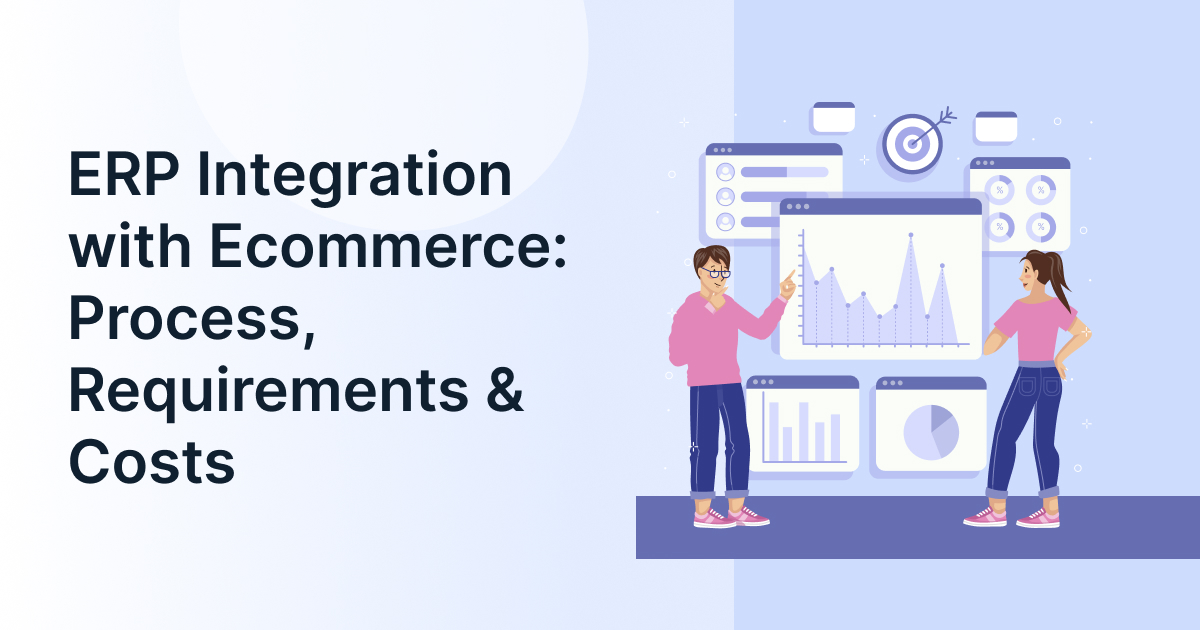
ERP Integration with Ecommerce: Process, Requirements & Costs

Running an online store involves more than processing orders. Businesses must also manage inventory, pricing, fulfillment, customer records, and financial data. When these operations run across disconnected systems, teams often enter the same information multiple times or work with outdated records.
ERP integration with ecommerce connects your online store with your ERP system, allowing business data to move between sales and back-office operations. The right setup can reduce manual work, improve inventory visibility, and help teams process orders more consistently.
In this guide, we cover the integration requirements, available methods, implementation process, and costs to consider before starting a project.
What Is ERP Integration with Ecommerce?
What is ERP in eCommerce?
ERP in ecommerce refers to using enterprise resource planning software to manage business operations behind an online store. ERP integration with ecommerce connects the store with the ERP system so that orders, inventory, product information, fulfillment updates, and financial records can be exchanged between systems.
For example, when a customer places an order, the integration can transfer its details to the ERP system for processing. Inventory availability can then update on the storefront, while shipment information flows back to the customer-facing platform.
This ecommerce ERP integration helps businesses coordinate online sales with purchasing, warehousing, accounting, and fulfillment instead of managing each function separately.

Which Data Should an Ecommerce ERP Integration Synchronize?
The information exchange depends on your business model, but most integrations cover these data flows.
| Data type | Typical direction | Purpose |
| Orders and customer details | Ecommerce << ERP | Create sales records and initiate processing |
| Inventory and stock levels | ERP/WMS << Ecommerce | Display available quantities |
| Product information and pricing | ERP << Ecommerce | Maintain consistent product records |
| Shipment and fulfillment status | ERP/WMS << Ecommerce | Update order progress |
| Returns, refunds, and financial records | Both directions, as required | Reconcile transactions and inventory |
How does order synchronization work?
Order synchronization transfers order details from an e-commerce platform to an ERP system. Depending on the integration, it can also return order status, shipment details, cancellations, and refund updates. Validation rules help prevent duplicate orders and identify failed transfers.
Inventory synchronization serves a related purpose. When stock changes because of a sale, receipt, return, or warehouse transfer, the integration updates the relevant systems according to predefined rules.
McKinsey’s research on supply-chain digital transformation highlights the importance of connecting inventory, shipment, and scheduling data across systems. For ecommerce businesses, accurate data flows help teams make better operational decisions.
What Are the Requirements for ERP Integration with an Ecommerce Platform?
Before choosing an integration method, confirm that your existing systems can exchange the required data and support your business workflows.
Technical requirements
- API or connector access: Check whether your ERP and ecommerce platform support suitable APIs, native connectors, or middleware.
- Data mapping: Match product SKUs, customer IDs, order fields, prices, taxes, and warehouse records across systems.
- Security: Define authentication, permissions, encryption, and access controls for data transfers.
- Synchronization rules: Decide which updates need real-time processing, and which can run on a schedule.
Business requirements
- Establish which system owns inventory, pricing, and product information.
- Document workflows for cancellations, partial shipments, returns, and refunds.
- Estimate order volumes and identify all warehouses and sales channels.
- Define testing, reconciliation, error alerts, and ongoing support responsibilities.
What information do I need before integrating my ERP with an ecommerce platform?
Prepare your ERP and ecommerce platform details, API documentation, product and inventory data, order workflows, transaction volumes, and security requirements. This information helps an implementation team assess compatibility, identify development needs, and estimate project scope.
How Do You Integrate an ERP System with an Ecommerce Platform?
A successful integration starts with business requirements, not code. Follow these five steps.
- Assess your existing systems. Document your ERP, ecommerce platform, connected applications, and current data transfer problems.
- Define data ownership. Decide which system controls product information, pricing, stock quantities, customer records, and order status.
- Select the integration method. Compare native connectors, middleware, and custom APIs based on compatibility, complexity, and future requirements.
- Develop and test workflows. Validate order synchronization, inventory synchronization, duplicate prevention, returns, and error recovery using realistic scenarios.
- Deploy and monitor. Launch the integration, reconcile records across systems, track failed transfers, and assign responsibility for maintenance.
What is the process for integrating an ERP with Shopify, Magento, or another ecommerce platform?
First, assess compatibility and define the data to exchange. Next, configure a connector, middleware, or custom integration. Map the relevant fields, test critical workflows, and deploy only after validating order accuracy, inventory updates, and exception handling. The exact process depends on the platform involved.
Which ERP Ecommerce Integration Method Should You Choose?
The best approach depends on the systems you already use, the number of workflows involved, and the level of customization required.
| Integration method | Best suited for | Consideration |
| Native connector | Standard workflows supported by both platforms | Customization may be limited |
| Middleware or iPaaS | Businesses connecting multiple applications | Adds configuration and subscription costs |
| Custom API integration | Specialized workflows or unsupported systems | Requires development and ongoing maintenance |
Should I use a prebuilt connector or custom ERP integration?
Choose a prebuilt connector when it supports your systems and business workflows. Middleware can suit businesses connecting several applications. Custom APIs offer greater control when requirements exceed standard connectors, but they typically require more development and technical support.
Compare total ownership costs, monitoring capabilities, transaction volumes, and future expansion before deciding.
How Much Does ERP Integration with Ecommerce Cost?
How much does it cost to implement ERP?
The cost of ERP implementation depends on whether you are installing a new ERP system or connecting an existing one to an ecommerce platform. Ecommerce integration costs vary with connector availability, development requirements, data complexity, testing, and ongoing maintenance. There is no universal price that applies to every project.
For context, the U.S. Census Bureau reported that ecommerce accounted for 17.1% of total U.S. retail sales in Q2 2026. As online sales become a significant business channel, maintaining accurate operational data becomes increasingly important.
What Determines the Total Integration Cost?
| Cost factor | Why it matters |
| Connector or middleware | Licensing and subscription fees vary by solution |
| Custom development | Specialized workflows require additional configuration or coding |
| Data migration and mapping | Inconsistent records require preparation and validation |
| Testing and deployment | Complex workflows need more extensive testing |
| Maintenance and monitoring | Integrations need ongoing support, updates, and error resolution |
How Can You Estimate Your Budget?
Start by listing the systems, data flows, and workflows that need to be connected. Request estimates that separate setup, licensing, customization, testing, and ongoing support.
| Integration scope | Relative cost |
| Standard connector with supported workflows | Lower |
| Connector with custom mapping and testing | Moderate |
| Middleware connecting multiple applications | Moderate to high |
| Custom integration involving legacy systems | Potentially high |
These are relative cost categories, not market price quotes. Obtain vendor estimates in your target currency and confirm what each quote includes.

How Can You Prevent Costly Ecommerce ERP Integration Problems?
Even a technically successful integration can create operational problems if workflows and data rules are unclear.
- Incorrect SKU mapping: Validate product identifiers before transferring records.
- Inventory discrepancies: Define stock ownership and account for reservations, returns, and warehouse transfers.
- Duplicate orders: Use unique order IDs and appropriate duplicate prevention rules.
- Failed data transfers: Configure monitoring, alerts, and retry procedures.
- Unexpected maintenance costs: Confirm support responsibilities, API limitations, and licensing terms before implementation.
The objective is to make data exchange reliable, not simply establish a connection between two applications.
Conclusion
ERP integration with ecommerce helps businesses connect online sales with inventory, fulfillment, and financial operations. The right approach depends on your existing ERP platform, required data flows, technical constraints, and budget.
GrexPro offers cloud solutions across ERP, WMS, CPQ, and B2B technology to support varied business requirements.
FAQs
Q. What is ERP in eCommerce?
A: ERP in ecommerce connects online selling activities with business operations such as inventory management, accounting, purchasing, and fulfillment. Integration lets ecommerce and ERP systems exchange relevant information according to defined business rules.
Q. How much does it cost to implement ERP?
A: Costs depend on ERP licensing, implementation scope, customization, migration, and support. Integrating an existing ERP with ecommerce is generally a different project from implementing a new ERP system.
Q. Can you integrate an existing ERP with any ecommerce platform?
A: Not always. Compatibility depends on available APIs, connectors, data formats, and business requirements. Unsupported workflows may require middleware or custom development.
Q. Should order synchronization happen in real time?
A: Real-time or near-real-time synchronization is useful when immediate order processing and stock visibility matter. Scheduled synchronization may work for less time-sensitive data, depending on transaction volumes and business needs.
Q. How long does ecommerce ERP integration take?
A: Timelines depend on system compatibility, data quality, workflow complexity, testing requirements, and the number of applications involved. A defined scope helps implementation teams provide a more reliable estimate.
Author
Managing Director of Grexpro
Surendra Yarrum is a Business Strategist at GrexPro with expertise in ERP, CRM, and warehouse management systems, helping businesses enhance efficiency and optimize supply chain operations.